How Long Do GED Test Results Take? 2026 Guide
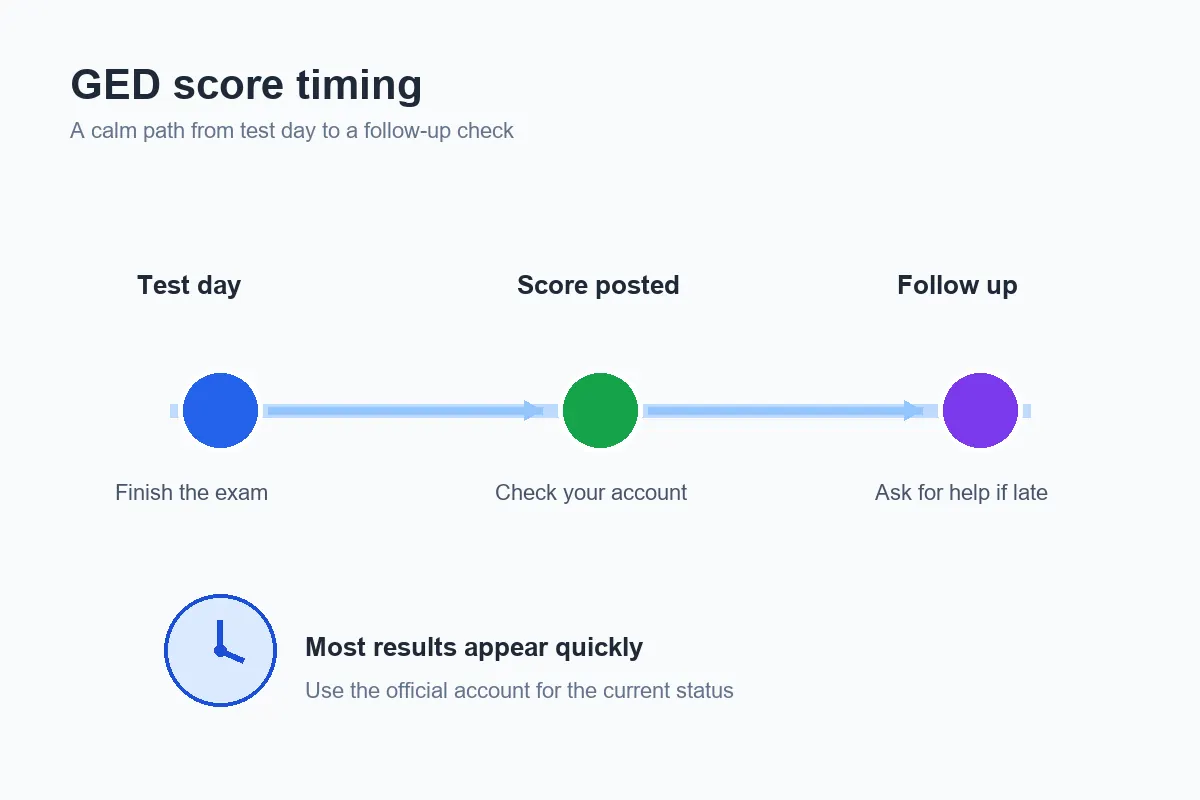
How long do GED test results take? Most official scores are posted within 24 hours, but you should allow up to 2-3 business days before treating a missing score as a delay. This guide explains where to look, what can make the timing feel confusing, and what to do next.
Reviewed September 12, 2026. Score reporting, account screens, and support instructions can change, so use the official GED account as the final status source.
Quick answer: when should GED scores appear?
For an official GED subject exam, scores usually appear within 24 hours. The safer planning window is up to 2-3 business days because the result still has to be processed and attached to the correct testing account. If you are still waiting after that window, check the account and email connected to the appointment, then use the current official help route. A free practice result or GED Ready report is a different product and should not be used to estimate official score-posting time.
On this page
How Long Do GED Test Results Take?
The short answer is usually within 24 hours, with up to 2-3 business days as a more careful expectation. That window is about the official score report for a scheduled GED subject test, not the time it takes to earn the complete credential. Each subject is scored and reported through the testing account, so one subject can appear before another if the account is still processing separate records.
Do not count from the day you booked the appointment. Count from the completed test session and keep the subject name, appointment date, and confirmation email nearby. If you tested online, the check-in and submission status may also appear in the account. If you tested at a center, keep the paper or email confirmation from the center, but use the official account for the score status.
The official GED score guidance is the right place to verify current timing. Third-party posts can be useful for general context, but they may describe an older account layout or a different type of result.
| Result you are waiting for | What it means | Where to check first |
|---|---|---|
| Official GED subject score | Processed result from the scheduled GED exam; usually quick, but allow the full business-day window. | Official GED account and its score report |
| Free practice score | Local diagnostic feedback used to find weak skills and timing problems. | The practice page where you completed the questions |
| GED Ready result | A readiness signal that helps you decide whether to schedule a subject; it is not the official exam score. | The GED Ready or official GED account flow |
| Transcript or diploma record | A separate document or record request for a college, employer, or agency. | The official transcript route, not the score screen |
How to Check GED Test Results Online
Start with the same official account used for the appointment. A search result, a practice dashboard, or a saved screenshot may not show the current official record. Use this short sequence before assuming the score is missing.
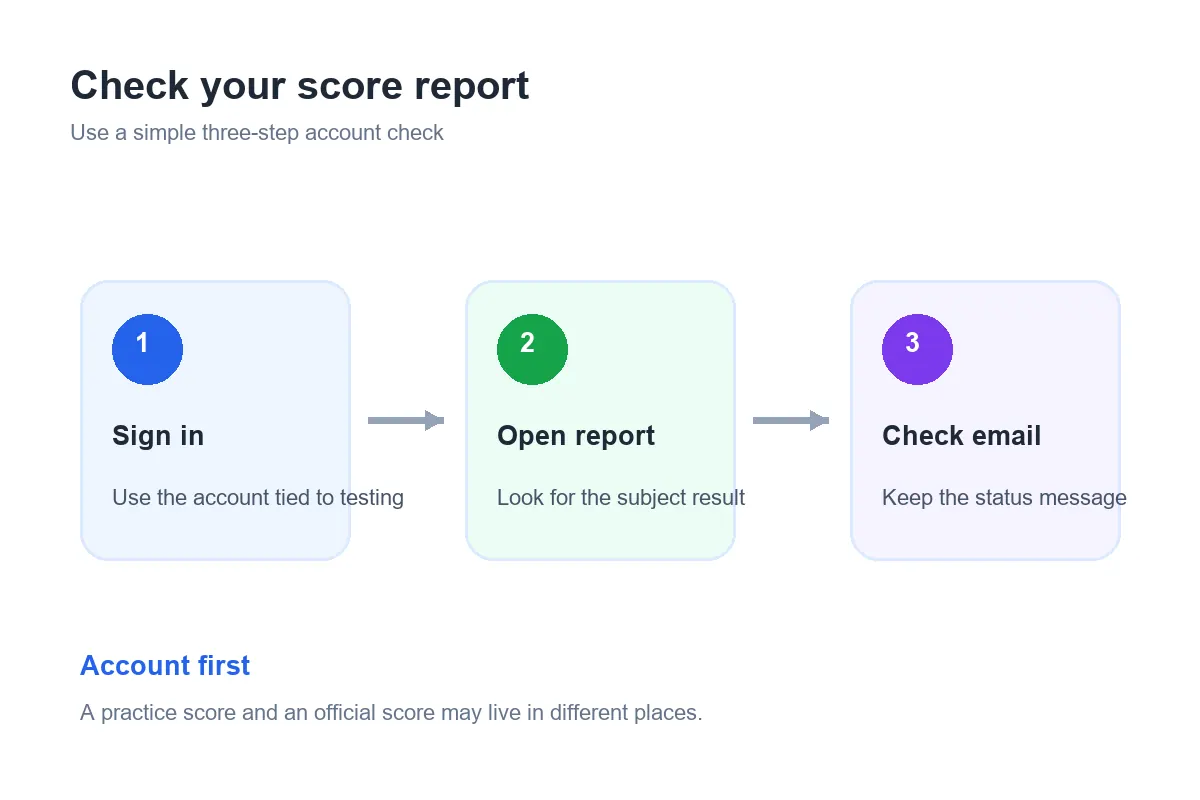
- Sign in to the official GED account. Use the email and login connected to the test appointment. If you have more than one email address, try to identify which account received the confirmation.
- Open the score or test history area. Look for the subject you completed rather than expecting one combined score for all four subjects. A completed appointment and a posted score are related but not identical status labels.
- Check the message inbox. Look for a score notification, processing notice, or request for action. Also check spam or filtered folders without clicking unfamiliar links; return to the official account when in doubt.
- Save the result for your next decision. Record the subject, scaled score, date shown, and any status note. If you need a college or employer record, read the separate GED transcript guide instead of treating a score screenshot as an official transcript.
Why Are My GED Results Not Showing Yet?
A missing result does not automatically mean the test failed or that the appointment disappeared. First separate a normal processing wait from an account or support problem. These are the most common explanations to check:
- The normal window has not ended. If less than 2-3 business days have passed since the completed exam, the report may still be processing.
- You are viewing a different account. A second email address, an autofill login, or a practice-test dashboard can make the official score look absent.
- The subject or date is being misunderstood. GED subjects are separate. Check the exact subject and completed appointment date before asking about the whole credential.
- The account shows a review or action message. Follow the instruction shown by the official service instead of trying to create a duplicate appointment.
- The score is available but the transcript is not. A score report and a transcript serve different purposes and can have different delivery steps.
What to Do When GED Test Results Are Late
Once the official 2-3 business-day window has passed, make the follow-up easy to answer. Keep the request factual and avoid sending sensitive information to an unofficial page.
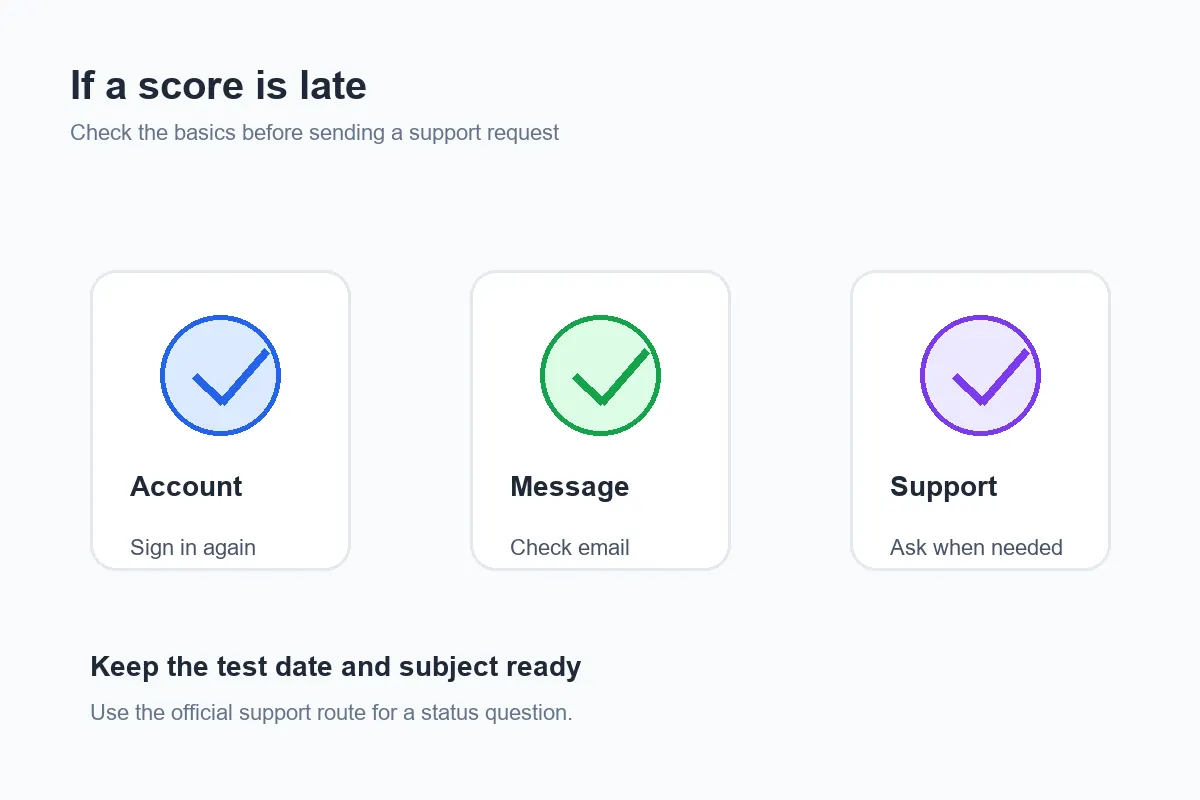
- Refresh the official account. Sign out and back in, then open the subject history again. This can distinguish a stale browser view from a missing record.
- Check the confirmation and inbox. Match the test date, subject, and account email. Save the confirmation number or appointment details.
- Read every status note. A message may ask you to complete a step or explain that processing is still underway. Do not infer a score from a blank card.
- Use the official help route. The current GED FAQ and help information can direct you to the right support path. Include the subject and date, but share only the information the official form requests.
- Wait for the answer before rebooking. A missing result is an account-status question first. Do not pay for another appointment or order a transcript until you know what the official record shows.
Official GED Scores vs Practice Results and Transcripts
Many timing questions happen because three different records are called a “result.” Keeping them separate prevents the wrong follow-up.
| Record | Use it for | Do not confuse it with |
|---|---|---|
| Official GED score report | Knowing how a scheduled subject exam was scored. | A practice percentage or a transcript delivery. |
| Practice-test result | Finding content, reading, calculation, or pacing gaps before the exam. | A promise that the official exam will have the same score. |
| GED transcript | Sending an official record to a recipient that requests it. | The instant score screen after a test session. |
What to Do After Your GED Score Posts
Use the official score to choose the next action, not to judge your entire preparation history. If the subject is passing, save the score and check whether another subject remains. If it is below your target, read the score report carefully, identify the weakest skill, and build a short review cycle before considering a retake.
The GED test score range guide explains the 100-200 scaled-score bands and why a practice percentage is not a direct conversion. For preparation, use practice-test results analysis to label the mistake, then return to a focused free GED practice test or the relevant subject guide. That workflow turns a score into a plan instead of repeating the same test without review.
GED Test Results FAQ
Bottom Line
Most GED test results appear within 24 hours, but allow up to 2-3 business days. Check the official account first, keep the test date and subject handy, separate official scores from practice or transcript records, and use the official help route if the result is still missing after the normal window.
Official Sources for Current GED Score Timing
This guide was reviewed on September 12, 2026. Verify current score timing, account instructions, and support options with the official GED score guidance and official GED FAQs before making a scheduling or transcript decision.
Keep These Details
Save the subject, completed test date, account email, confirmation number, and any status message. These details make an official support question easier to answer.