Can You Take the GED Test Online? 2026 Rules, Requirements, and At-Home Steps
Can you take the GED test online? Yes, some eligible test takers can take the official GED test online from home. The important distinction is that an official online GED is a remotely proctored exam, not the same thing as a free online practice test. Check your state, GED Ready status, ID, equipment, room, and appointment rules before you schedule.

Quick Answer: Can You Take the GED Test Online?
You may be able to take an official GED subject test online from home if your state or jurisdiction supports online testing and your account shows that you meet the current conditions. The official path normally involves a qualifying GED Ready result, a valid government-issued ID, a compatible computer with camera and microphone, reliable internet, a private room, a system check, and a scheduled online-proctored appointment. The exact rules can change, so confirm them on GED.com before you pay.
What “GED Test Online” Actually Means
When people search for an online GED test, they may mean two different things. A free practice test is a study activity: it gives you questions, feedback, and a rough diagnostic result. The official GED test is the credential-earning exam. If you choose the online route, a remote proctor supervises the appointment through your computer rather than you sitting at a physical testing center.
That difference changes the preparation checklist. You can use this site's free GED practice tests to review skills and timing, but a practice percentage is not an official GED score. When you are close to scheduling, use the GED Ready practice test guide to understand the official readiness step and verify the current rule in your GED.com account.
State availability comes first
Do not rely on a permanent “all states” list copied into a blog post. Online GED testing availability, age rules, required readiness steps, and appointment options can vary by state or jurisdiction. Use the official GED state policies and your GED.com account as the final check. For a wider eligibility overview, see the site's GED requirements guide.
What You Need for an Online GED Test at Home
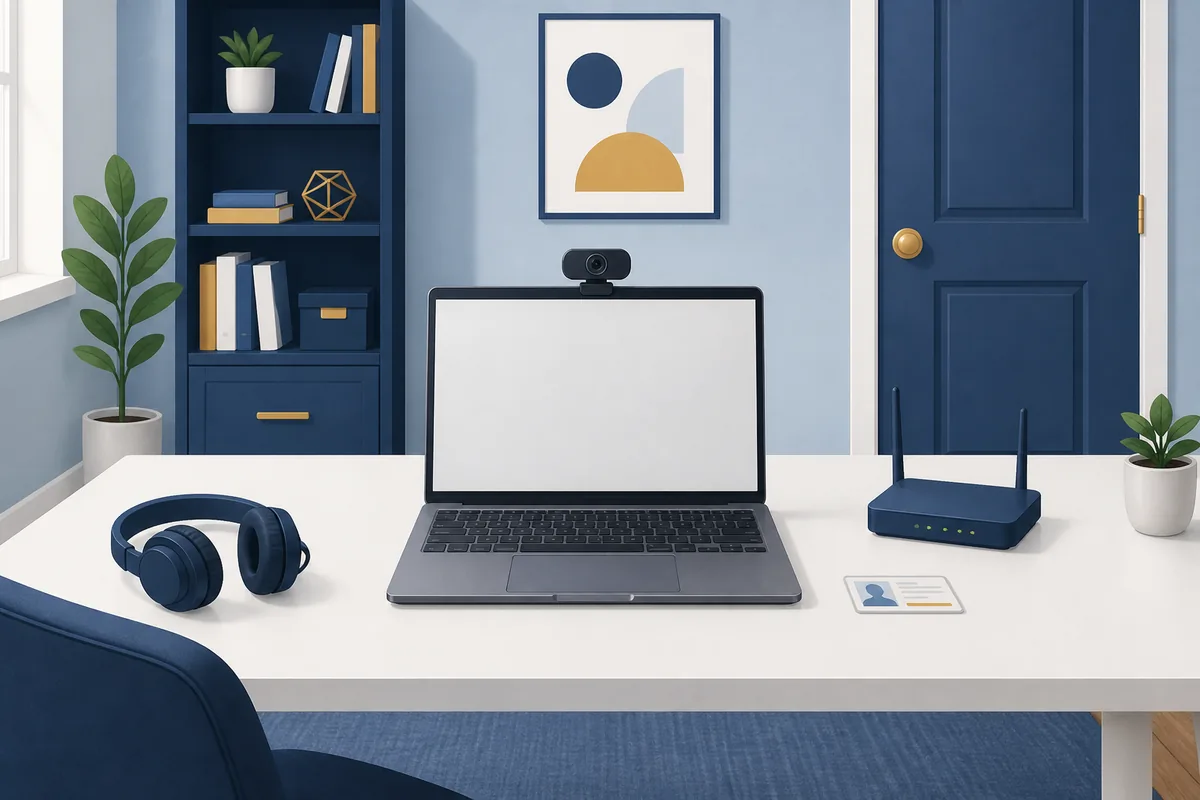
The easiest way to avoid an appointment problem is to treat the home setup like a preflight checklist. A strong practice score cannot fix an expired ID, an unstable connection, or a room that does not meet online proctoring rules.
| Setup item | What to check before scheduling | Why it matters |
|---|---|---|
| GED Ready | Whether your subject has the required Green result and whether it is still within the current validity window. | Online testing may require a recent readiness signal; a free quiz is not a substitute. |
| Identity | A current government-issued ID whose name and details match your account. | Identity problems can stop check-in even when your appointment is paid. |
| Computer | A supported computer, working webcam, microphone, browser, and operating system. | The proctor needs to verify you and monitor the session through the required equipment. |
| Internet | A stable connection that passes the official system check at the place where you will test. | Short interruptions can create delays, disconnects, or a failed appointment. |
| Room | A quiet, private room with a closed door and no other person helping during the session. | Remote proctoring rules are designed to protect test security and may require a room scan. |
How to Schedule the Online GED Test
Use this order so you do not pay first and discover a requirement later. The official online-testing page is the authority for the current booking flow; the steps below are a practical preparation sequence.
1Open your GED.com account and choose your state
Start with the state or jurisdiction where you will test. Confirm that online testing is available for the subject and that your age, school status, residency, and identity documents meet the local rule. If you are under 18 or your ID name does not match your account, resolve that before booking.
2Prepare with free practice and review mistakes
Use a short diagnostic first, then work on the subject with the clearest skill gap. Review why each answer was wrong rather than chasing a higher percentage by repeating the same questions. The site's GED study guide can help you turn the result into a subject-by-subject plan.
3Complete GED Ready when your online path requires it
The official online-testing guidance says the required readiness result may need to be a GED Ready Green score earned within the previous 60 days. Treat that as a current eligibility check, not a score you can assume will last forever. Reopen the official page and your account if the appointment is delayed or your result is near its validity limit.
4Run the official system check
Test the exact computer, webcam, microphone, browser, and network you will use on exam day. Do this from the private room where you plan to sit. Avoid relying on a work computer, school device, VPN, public Wi-Fi, or a last-minute borrowed laptop until you know the official check accepts it.
5Schedule and plan your check-in
After the account shows that you are eligible, schedule the subject through the official flow. Keep your ID nearby, clear the room, close unrelated applications, and allow time to sign in before the appointment. The official guidance recommends arriving early enough for identity and room checks; use the check-in time shown in your appointment instructions rather than assuming a practice-test start time is enough.
Rules That Commonly Surprise Online Test Takers
Remote proctoring is stricter than taking a casual quiz at home. The exact policy is controlled by GED Testing Service and your appointment instructions, but these are the kinds of issues you should plan for:
- Only the registered test taker should be in the session. Do not ask another person to answer, explain, or remain in the room.
- Keep your phone, notes, books, papers, and unapproved devices away from the testing area. Do not assume a physical calculator is allowed just because a subject uses calculations.
- Use the screen tools and scratch features that the official platform provides when they are available for your subject.
- Stay within the proctor's camera and audio instructions. Leaving the room, blocking the camera, or ignoring a request can interrupt the appointment.
- If an accommodation or accessibility need affects online testing, confirm the approved path with the official service before scheduling rather than experimenting on test day.
Online GED Test vs. Test Center
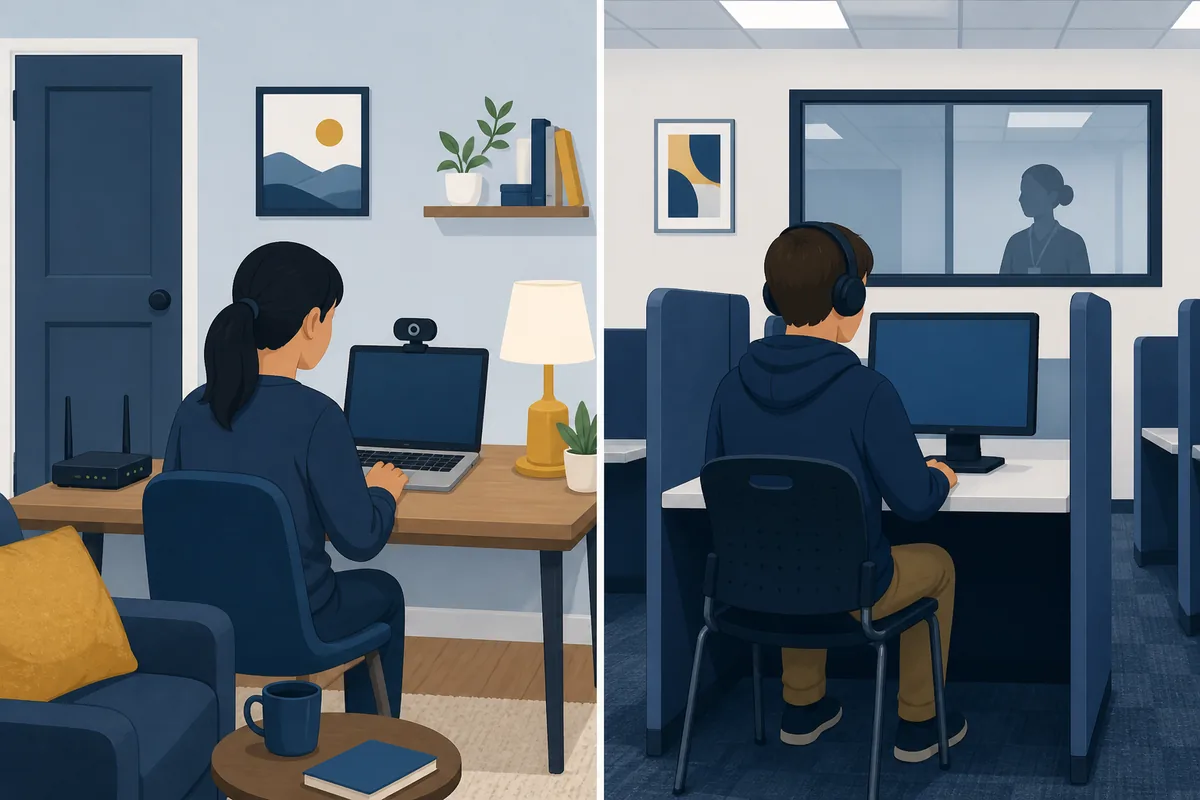
Online testing is not automatically easier. It trades travel for more responsibility at home. Use the comparison below to choose the environment you can control most reliably.
| Decision point | Online from home | Test center |
|---|---|---|
| Best fit | You have a private room, compatible equipment, and stable internet. | You want a controlled workstation or cannot guarantee a quiet home room. |
| Main preparation | System check, camera/microphone, room setup, ID, and online check-in. | Travel plan, appointment time, ID, and center-specific rules. |
| Main risk | Internet, equipment, room interruptions, or a mismatch during remote check-in. | Travel delays, limited appointment times, or center availability. |
| Backup choice | Use a test center if the home system check or privacy requirement remains unreliable. | Ask the official service about another approved appointment or accommodations if needed. |
When a Test Center May Be Better
Choose a test center when you cannot create a private room, your home internet drops, your computer is managed by an employer or school, or you do not want a technical problem to become part of the exam. A center may also be the simpler option when you need to confirm accommodations or state-specific procedures with staff before the appointment.
Do not treat that choice as a study failure. The goal is a valid testing environment. Use your preparation time to improve the subject, then choose the location with the fewest preventable risks. Before budgeting, compare the current GED test cost guide with the official fee information for your state.
When your state, subject, readiness, and setup are clear, continue with the GED test dates and scheduling guide to review how appointment availability differs between approved online testing and test centers.
Online GED Test FAQ
Bottom Line
You can take the GED test online only when the official service shows that your state, subject, account, readiness result, identity, equipment, and room meet the current rules. Start with the state policy check, prepare with free practice, complete GED Ready when required, run the system check, and keep a test-center option in mind if your home setup is not dependable.
This guide was checked on August 10, 2026. Online testing availability, state rules, equipment requirements, and appointment instructions can change. Use the official GED page as the final authority before scheduling.
Official References
- GED.com: Take the GED Test Online — current online testing eligibility, equipment, room, readiness, and appointment guidance.
- GED.com: State Policies — state or jurisdiction rules and availability checks.
- GED.com: Test Scores — official score context separate from local practice percentages.
Online Test Preflight
- Check your state and subject.
- Confirm the GED Ready rule.
- Match your ID to your account.
- Test webcam, microphone, and internet.
- Reserve a private room and backup plan.